AI Tech Support: How to Triage Tier-1 Tickets and Cut Response Time
AI ticket triage resolves repetitive tier-1 tickets instantly and only escalates to a human what truly needs one. See the step-by-step setup.
On this page
The tech support queue grows faster than the team. Most incoming tickets are the same question over and over: locked-out password, an integration that broke, a field that will not save. And yet every single one waits in line behind the last, because someone has to read it, understand it, and reply one by one. Average response time climbs, CSAT drops, and your senior analyst spends the whole morning on a ticket that never needed them.
Automatic AI triage attacks exactly that point: it separates what is repetitive and can be resolved on its own from what genuinely needs a person, and it does that the moment the ticket lands, not hours into the queue. This guide covers how to set up that triage in practice, with no support tool switch required.
Why tier-1 support jams even with a good team
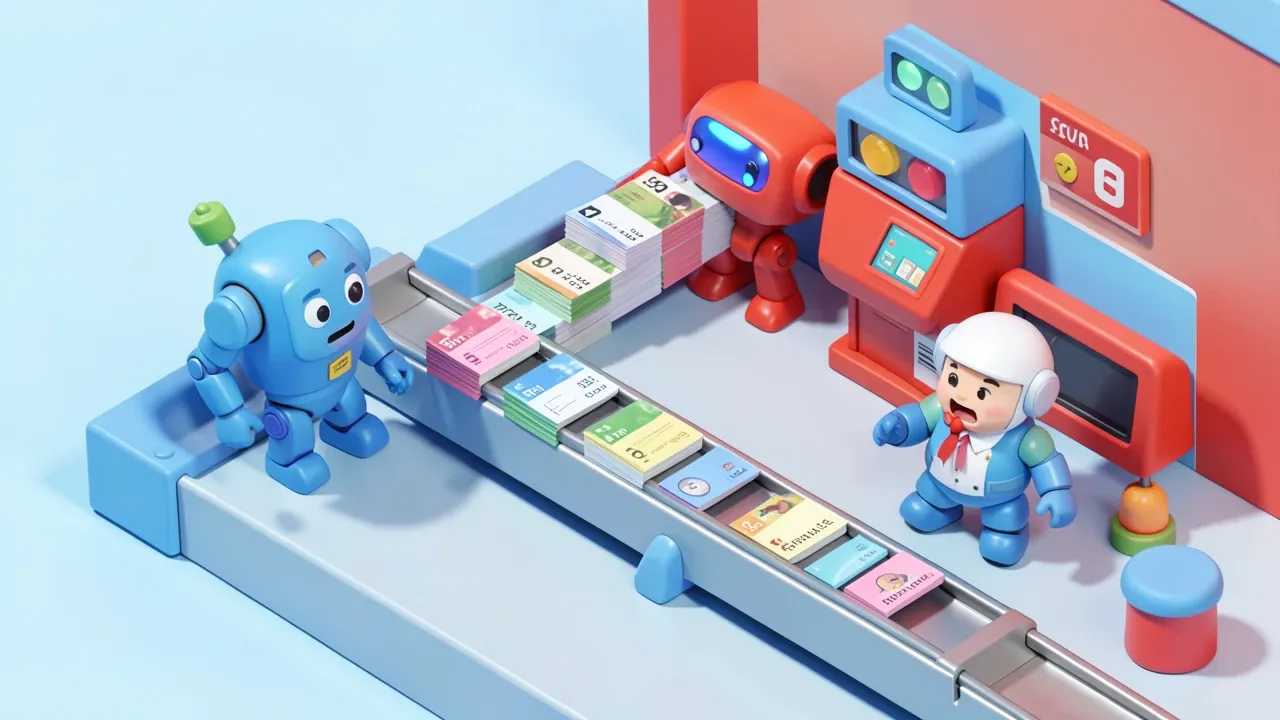
The problem is rarely team quality. It is queue math. Three factors stack up:
- Disproportionate volume of repeat questions. In any support desk, a small slice of causes (password, basic setup, usage questions) accounts for most tickets. Yet each one still goes through the same manual funnel as the rare, complex case.
- Slow manual triage. Before anything gets solved, someone has to read the ticket, tag category and priority, and decide who it goes to. That routing work eats time without helping the customer at all.
- Senior analysts doing junior-level work. Without automatic triage, everything lands in one shared queue, and the most experienced person ends up resetting a password instead of digging into the hard bug only they know how to untangle.
The combined effect is average first-response time (FRT) that climbs as volume grows, even as you hire more people. Hiring treats the symptom. Triage fixes the cause.
How AI handles triage on its own

Automatic AI triage reads a ticket the moment it arrives, identifies what it is about, and decides right there: answer it directly, or route it to the right person with the context already attached.
In practice, the flow splits into three paths:
- Direct resolution. Common usage questions, documented procedures, standard configuration. AI answers instantly, pulling from the knowledge base, with no one needing to read the ticket first.
- Routing with context attached. A case that needs a human, but AI has already tagged the category, the product involved, and the customer’s history, so whoever picks it up starts investigating instead of asking everything again.
- Immediate escalation for critical cases. Urgency keywords, an enterprise-plan customer, a system that is down. These jump the normal queue and go straight to the right team, skipping standard triage entirely.
The win is not just faster responses. It is the human analyst only receiving what actually requires their judgment, with the investigation work already ahead of them.
Step-by-step to set up triage in your help desk
Setting up this triage does not require switching support tools. It requires mapping what already happens today and feeding that into the AI:
- Pull your most recurring ticket categories from the last few months. Run a category report covering the last 3 to 6 months. In most teams, 5 to 10 categories account for most of the volume. That is your top target to automate first.
- Turn each category’s resolution into a knowledge base entry. Step-by-step fixes, diagnostic scripts, documentation links. The clearer and more specific it is, the better the AI answers without making things up.
- Set the escalation rule before turning the agent on. What counts as automatic urgency (a down system, an enterprise customer), what needs human review before it goes out, and what the AI can safely resolve unsupervised. This rule is what keeps a sensitive case from getting answered wrong.
- Start with high-volume, low-risk categories. Password resets and usage questions carry low downside risk. Billing and cancellations deserve human review early on, until the team trusts the response pattern.
- Review the first few weeks of answers. Every question the AI answered poorly becomes a knowledge base fix, not a one-off issue that gets forgotten. The agent improves with real use, not a single training pass on day one.
This design is what separates automation that actually works from a generic bot that frustrates customers: a clear rule for when to resolve alone and when to call in a person.
Metrics that tell you the triage is working
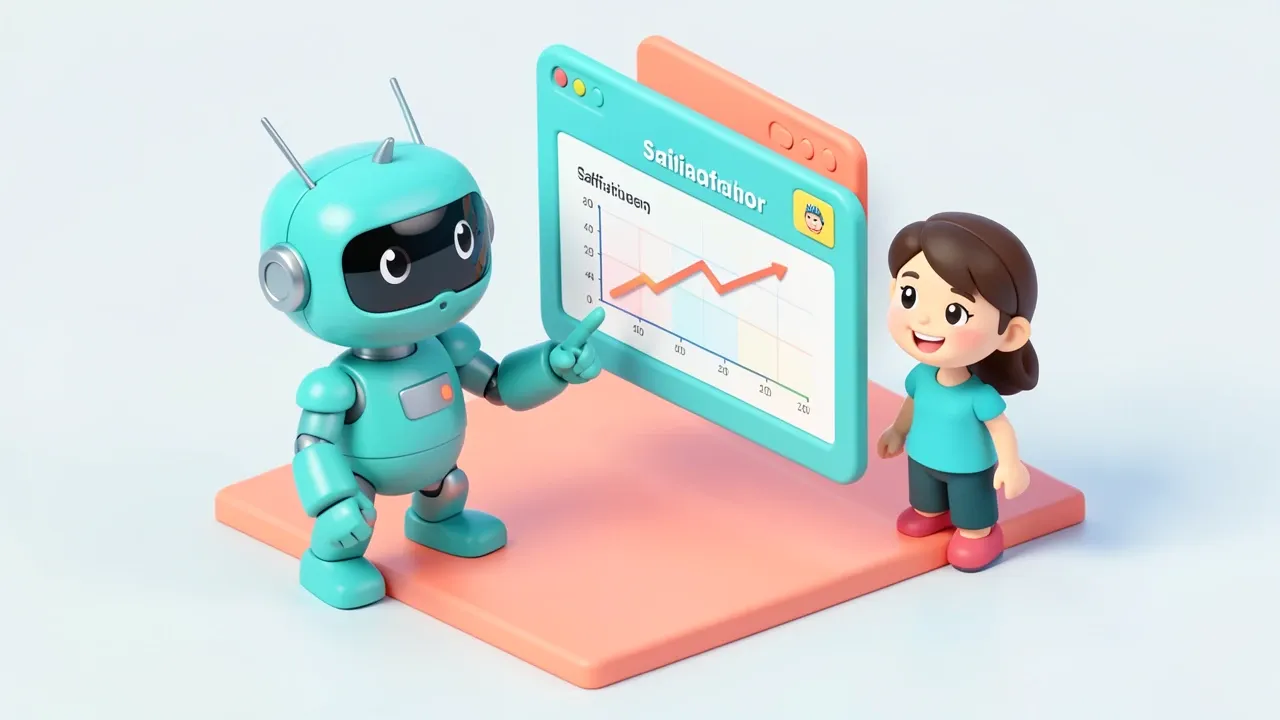
Three numbers tell you whether automatic triage is delivering what it promised:
- First response time (FRT). It should drop visibly in automated categories, since the reply goes out instantly instead of waiting in queue. If it did not drop, the category you picked probably was not as automatable as it looked.
- First-contact resolution rate. How many tickets close without needing a second reply from the customer. Good triage raises this number in simple categories, because the answer already arrives complete.
- CSAT by automated vs. manual category. Compare satisfaction for customers handled by AI against those handled by a human. If the automated category holds similar or better CSAT, the design is right. If it drops, that is a signal to escalate more of that category to human review.
And the point that keeps automation from turning into frustration: when the AI is not sure, it escalates instead of guessing. A wrong answer delivered with confidence costs more in customer trust than a slightly longer wait. The escalation rule you set in the step-by-step is what holds that line.
Want to pull the repetitive work out of your support queue without losing the human touch where it actually matters? With SquadOS you build this 24/7 support agent by chatting (AgentMaker), connect it to your knowledge base, and rely on native guardrails to escalate exactly when it should.