AI meeting notes: how to capture decisions and action items without anyone typing
AI meeting notes turn a recording into decisions, owners and deadlines. Learn the 5-step workflow, what good notes must contain and the mistakes teams make.
On this page
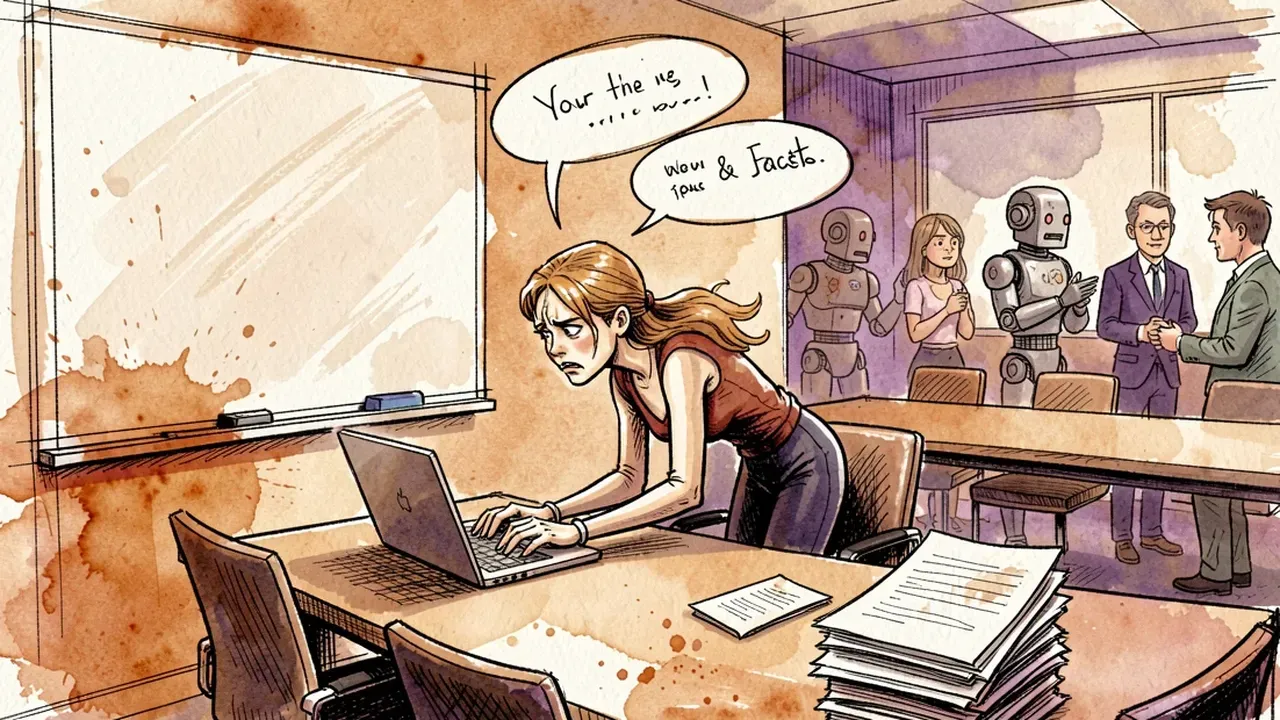
Monday’s meeting ran 50 minutes. It produced four decisions, three action items and one “we’ll figure it out later”. On Wednesday, someone asks in the group chat: “did we agree the new vendor starts in October or November?”. Two people answer two different things. Monday’s meeting happens again, this time on WhatsApp.
That is not a discipline problem. It is what happens when the record of a meeting depends on someone stopping participating in order to type.
AI meeting notes solve the mechanical part: listening, transcribing, separating what was decided from what was merely discussed. What they do not solve on their own is the rest of the workflow, and that is where most companies trip.
What AI meeting notes do differently
AI meeting notes are a document generated automatically from the meeting recording, with the full transcript and a structured summary: decisions made, action items with an owner and a deadline, and the points left open.
The difference from traditional minutes is not the format. It comes down to three things:
- Nobody has to choose between participating and taking notes. The person who used to type gets to argue again.
- The full transcript is kept. When the summary gets something wrong, you can go back to the original words and check. Manual notes have no second layer.
- The record goes out the same day. Minutes written “later” tend to show up on Friday, with half the decisions already forgotten.
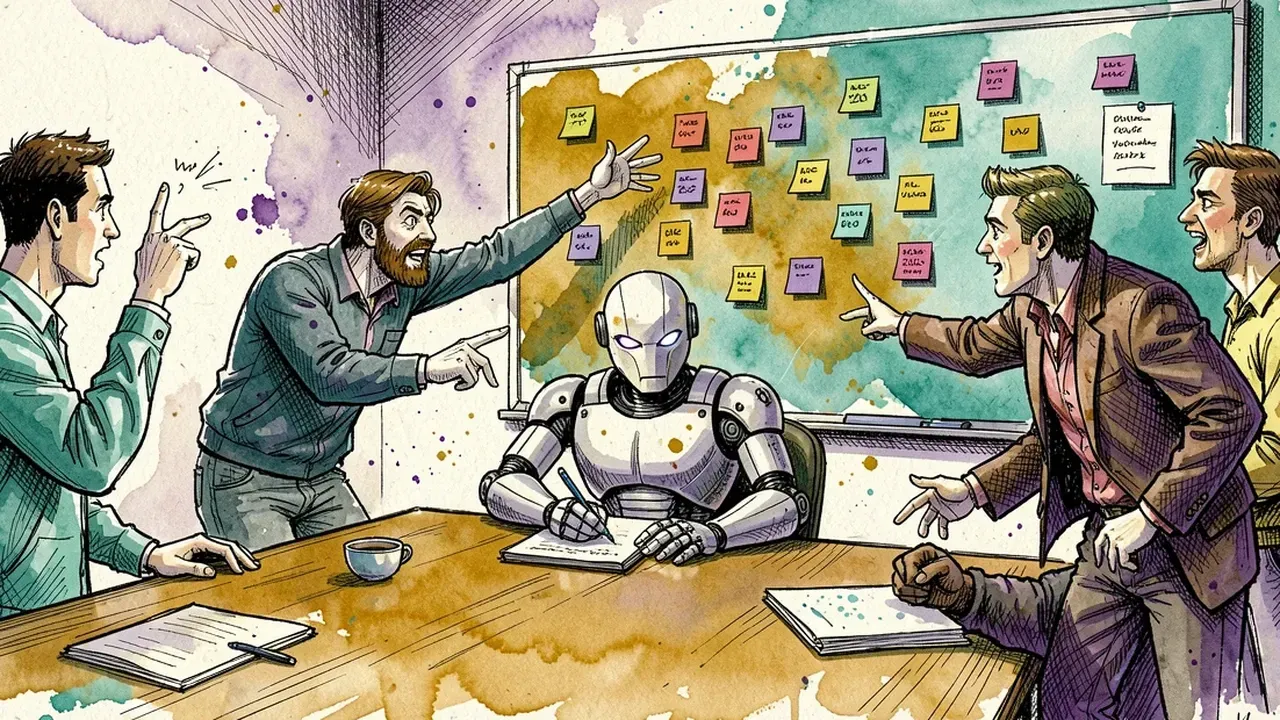
What the AI does not do is decide for you. If the meeting ended without defining who does what, the notes will record exactly that: a list of topics with no owner. The tool exposes a badly run meeting. It does not fix it.
Why manual meeting minutes fail
Manual minutes fail because they ask one person to do two incompatible jobs at once: think about the topic and record what everyone else thinks about the topic.
Anyone who has been “the one taking notes” knows the result. You write down the first half of a sentence, lose the second, and by the time you look up the group has moved on. The final document holds what you managed to catch, not what was said.
Then there is the filter problem. The note-taker decides, without noticing, what goes in and what stays out. A point the manager found minor and the analyst found essential disappears from the minutes, and two weeks later nobody remembers it was discussed.
And the most expensive problem: manual minutes are almost never followed up. They sit in a document nobody opens, in a folder nobody visits. Action items die there, and the next meeting opens with “what did we leave from last time?”.
Microsoft’s 2023 Work Trend Index measured that people spend 57% of their work time communicating (meetings, email, chat) and 43% creating. Part of that communication slice is meetings repeated because the previous one left no reliable record.
What good meeting notes must contain
Good meeting notes have four blocks, in this order: decisions, action items with owner and deadline, open points, and only then the discussion summary.
The order matters. Whoever opens the notes wants to know what changed, not to reread the conversation. If the first thing in the document is a paragraph about “the team discussed vendor alternatives”, the reader closes it and asks in the group chat instead.
What each block carries:
| Block | What it records | Example |
|---|---|---|
| Decisions | What was defined and why | ”Vendor B starts in November. Reason: certification lead time.” |
| Action items | Action, owner, deadline | ”Send contract draft. Carla. By Oct 10.” |
| Open points | What was left unanswered and who will answer | ”Training budget: Marcos brings the number next time.” |
| Summary | Short context of the discussion, 5 to 10 lines | Just enough for whoever missed it to follow the path. |
Notice the “why” behind decisions. It is what is most often missing from ordinary minutes and what is worth the most three months later, when someone asks “why did we pick this one?”. The AI can extract the reason if it was said in the meeting. If it was not said, that is a sign the decision was made without one.
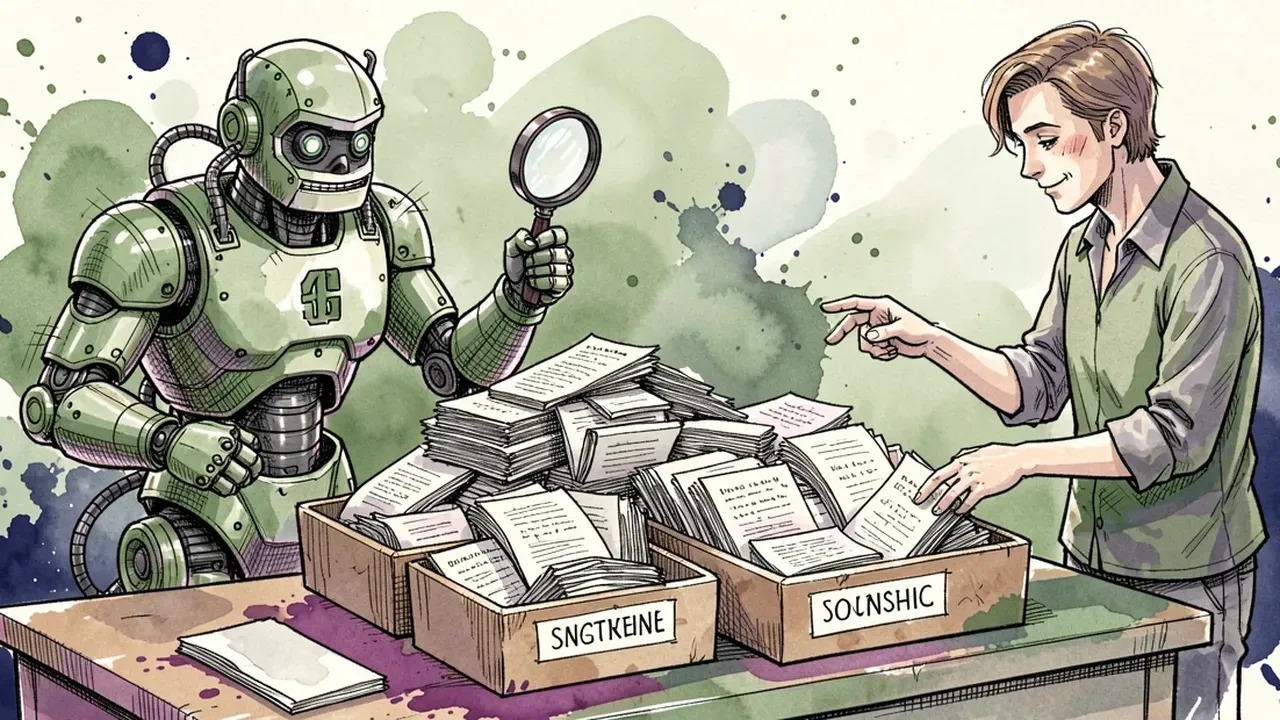
An action item without an owner is not an action item. It is a wish. A good AI notes workflow should flag every action that left the meeting without a name or a date, so the meeting owner can fix it on the spot, while everyone is still in the room.
How to set up the workflow in 5 steps
The workflow has five steps: record and transcribe, extract the structure, review in two minutes, publish where the team talks, and chase action items automatically.
1. Record and transcribe every meeting that produces a decision. Not every meeting needs notes. A two-minute hallway sync, no. A meeting where someone walks out with a task, yes. A practical rule: if the meeting has more than three people or defines something that costs money, record it. And always tell participants you are recording. Beyond being good practice and a legal requirement in many places when personal data is involved, hidden recording erodes the team’s trust.
2. Extract the structure, not just a summary. The raw transcript of a 50-minute meeting runs around 7,000 words. Nobody will read it. The AI’s job is to turn that into the four blocks from the previous section. Ask for the structure explicitly: decisions, action items with name and date, open points. A generic “key topics” summary becomes the same document nobody reads.
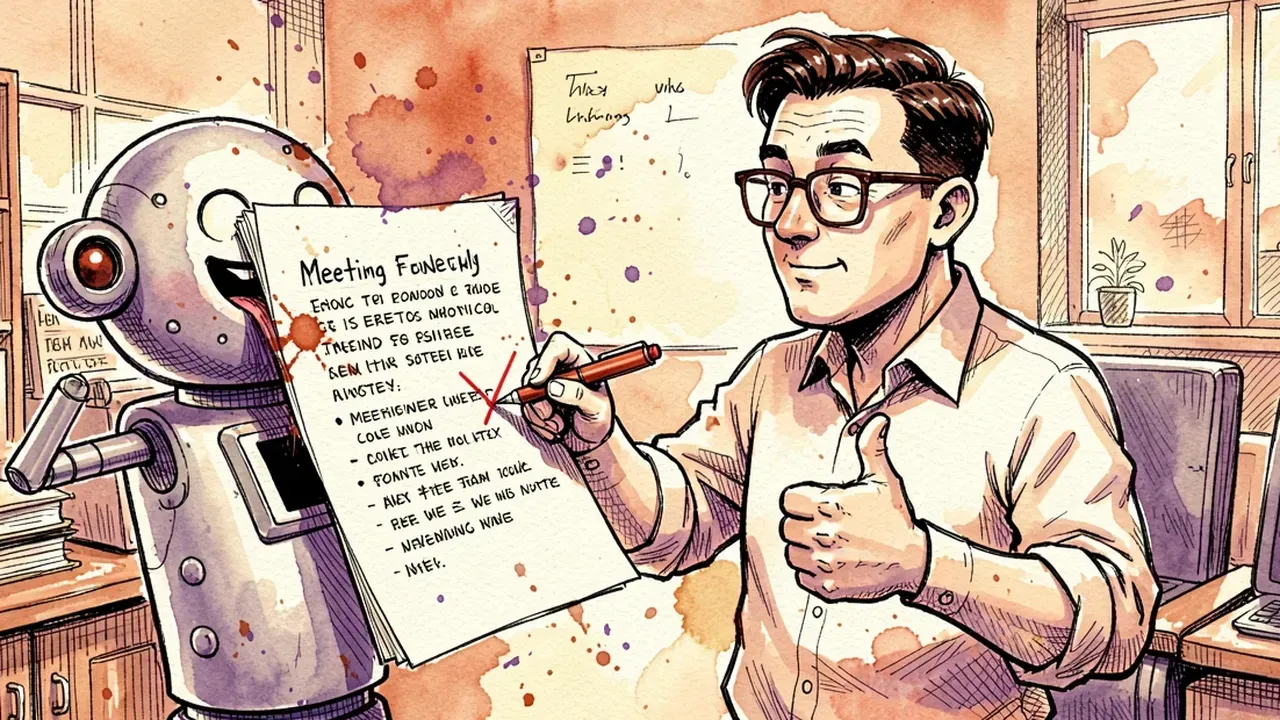
3. Review for two minutes before publishing. Whoever ran the meeting reads the generated notes and fixes what came out wrong. This is non-negotiable. The AI confuses similar names, misses a deadline spoken over background noise, and sometimes records a suggestion as a decision. Two minutes of review per meeting prevent a day of rework per month.
4. Publish where the team already talks. This is the step most people skip. Notes stored in a documents folder are dead notes. The notes have to show up in the channel, the room, the group where the team discusses the day-to-day, because that is where the question “what did we agree on?” will come up. When the notes live in the same place as the conversation, the answer is scrolling up, not opening another system.
5. Chase action items automatically. An action item from the notes needs to become a reminder without someone building the reminder. An AI agent that reads the notes and, on the agreed date, asks in the room “Carla, is the contract draft out?” changes the game. Not because it is more polite than the manager, but because it does not forget, feels no awkwardness and does not depend on anyone having written it in a personal planner.
With the five steps, a meeting stops being an event that ends when the call drops and becomes a cycle: decide, record, chase, check at the next one.
Mistakes that make teams ignore the notes
AI meeting notes get ignored when they are too long, arrive late, live far from the conversation or are never followed up. Any one of those mistakes alone is enough to kill the habit.
The ones that show up most:
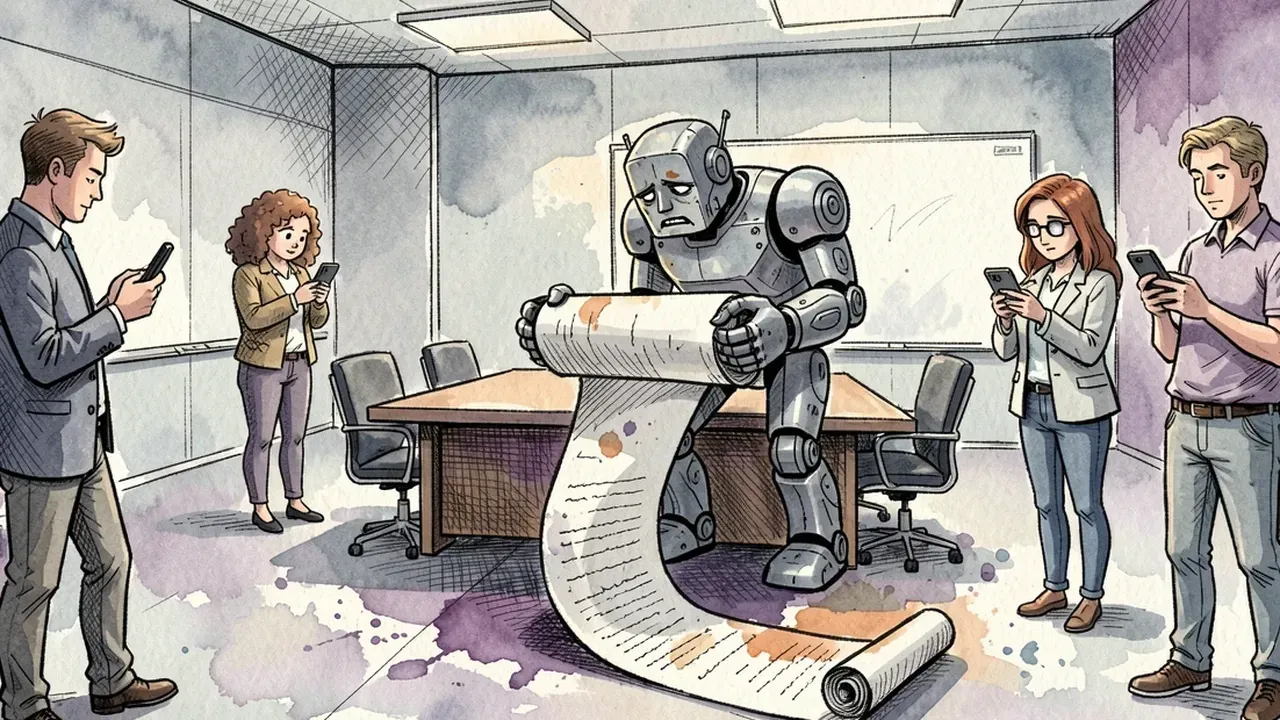
- Sending the full transcript. Seven thousand words in an email is not notes, it is punishment. The transcript stays available for reference; what circulates is the structure.
- Notes with no owner. If nobody reviews, the AI’s first mistake becomes the reason everyone distrusts every set of notes after it. One wrong set of notes published costs more than ten late ones.
- Generating the notes but not the follow-up. An action item recorded and never chased has the same effect as one that was never recorded.
- Storing in a folder. The team will not open one more tool to check what was agreed. If the record is not where the conversation happens, for practical purposes it does not exist.
- Recording without telling anyone. Beyond the legal risk, people speak less in the meeting, and the notes capture less.
A simple sign that the workflow is working: the phrase “wait, what did we agree on?” disappears from the group chat. When it comes back, some step broke, usually the fourth or the fifth.
How to choose an AI meeting notes tool
The right tool is the one that puts the notes inside the team’s conversation, chases the action items and treats the recording with the care meeting data demands.
Criteria to compare:
- Where the notes end up. If the tool generates a PDF and emails it, you will have the dead folder problem all over again. Prefer one that publishes the notes in the room where the team already talks, with search across the content.
- Whether there is an agent to follow up. Transcription has become a commodity. The value is in what happens next: an agent that reads the notes, understands who owns what and reminds them on the right date.
- Your language, for real. Meetings are full of slang, internal acronyms and people talking over each other. Test with a real recording of your own before deciding, not with the vendor’s demo.
- Where the recording lives. Meetings contain customer names, contract numbers, salaries. Ask where the recording is stored, for how long, and who in the company can listen to it. A personal tool installed by an employee on their own answers none of those questions.
- Recurring meetings. The daily standup, the weekly alignment, the results review. If each occurrence generates its own notes and they all live in the same place, you can watch an action item evolve across weeks.
To start this week, pick one recurring meeting, the one that generates the most “what did we agree on?”, and run the five steps on that one alone for a month. The team notices the difference by the third week and starts asking for the same on the others.
If your company’s meetings end and the decisions get lost, bring the record into the team’s conversation: in SquadOS, the meeting happens in the Hub, comes out with a transcript and notes, and internal agents chase the action items in the same room where the team works.